Guest mode
How to display all vehicles to anonymous users.
Written By Zemtu
Last updated 5 months ago
The main goal is to lower the barrier to entry. In other words, to show users the vehicles before they register - to give them a preview of the service. Hopefully, this will attract more potential customers, who will then be able to find a suitable car. It’s also about avoiding disappointment - specifically, the situation where users have to register first only to discover that there are no available vehicles in their area.
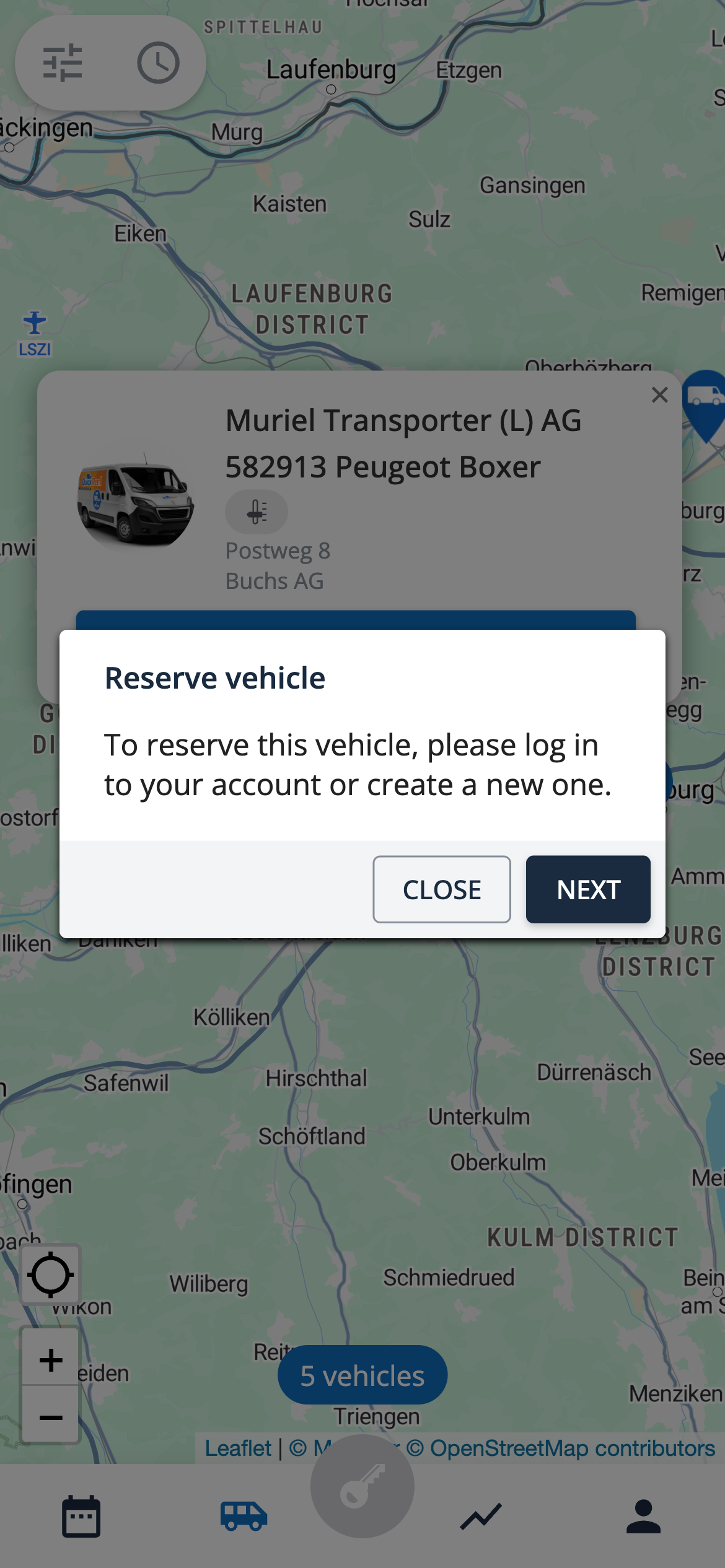
In the guest mode only the map view is available. The vehicle list view is not available.
First, “Public access” needs to be activated for your organization (“Public access” in the organization settings and “guestMode” in the “Generic settings” in the site configuration).
All vehicles that are active and public will also be displayed to users who are not logged in. From a vehicle's edit settings, toggle the vehicle's visibility to public.
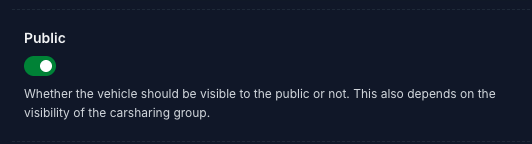
Note that in addition to the setting on the individual vehicle level, your organization's carsharing group (from Groups) must also be set to active and public for your map to load.
Was this helpful?
Still need help? Share an idea