Convadis Bluetooth
How to activate Bluetooth for a Convadis CBox.
Written By Zemtu
Last updated 18 days ago
Use vehicles — even without an Internet connection
You can unlock and lock a vehicle even when neither your smartphone nor the Convadis CBox has an Internet connection. This is made possible via a Bluetooth connection between the two devices, which takes over from the Internet connection in this case. This is particularly useful in underground car parks or other areas without mobile network coverage.
If Bluetooth is activated for a vehicle, the app will first try to connect via Bluetooth. If this is unsuccessful, it will try to connect via the internet.
Activate it here for a vehicle:
Devices → Convadis → Edit device → Bluetooth
/admin/convadis/convadisvehicle/XXXX/change/
The minimum recommended Convadis CBox firmware version is 529.
Troubleshooting
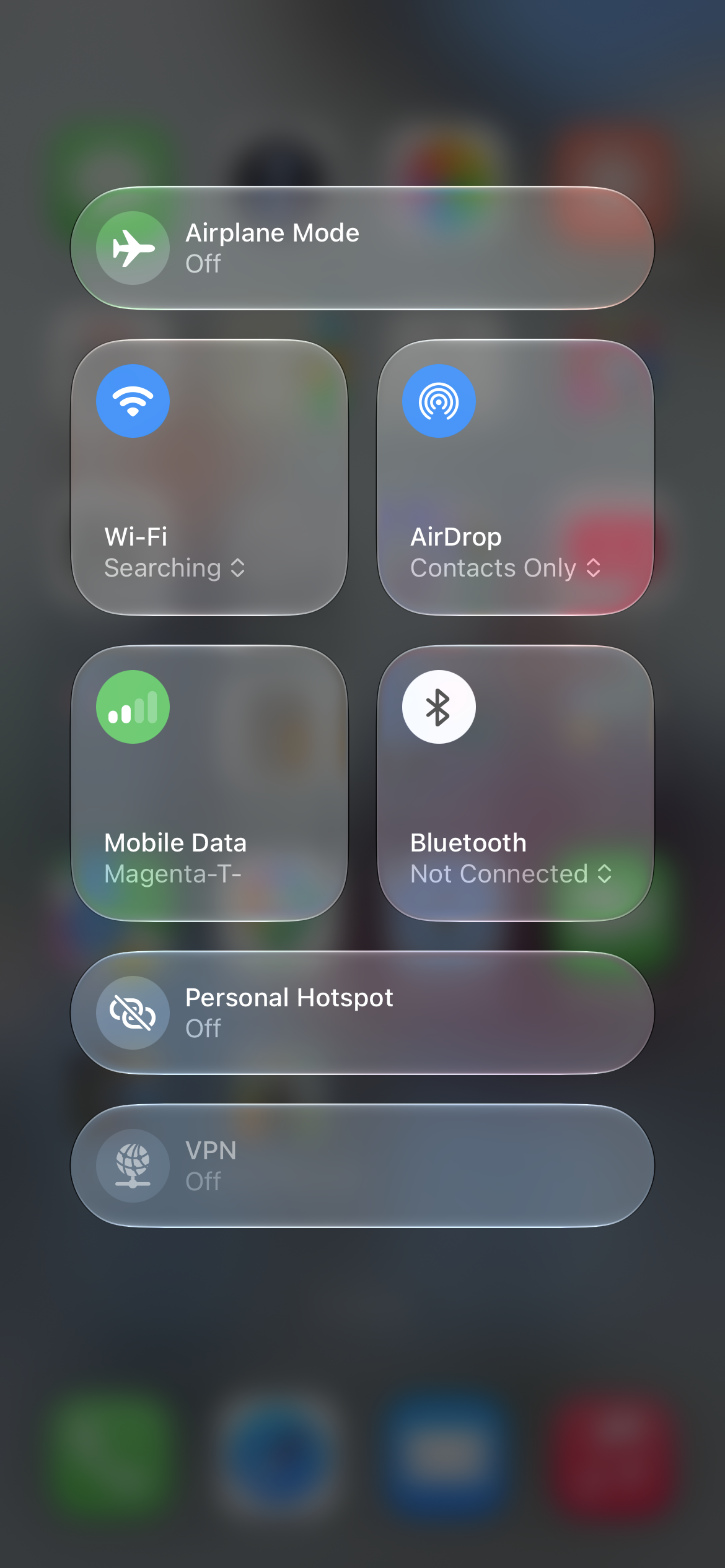
If Bluetooth is activated for a vehicle, but Bluetooth is deactivated on the smartphone, then the app displays the warning “Please turn on Bluetooth”.

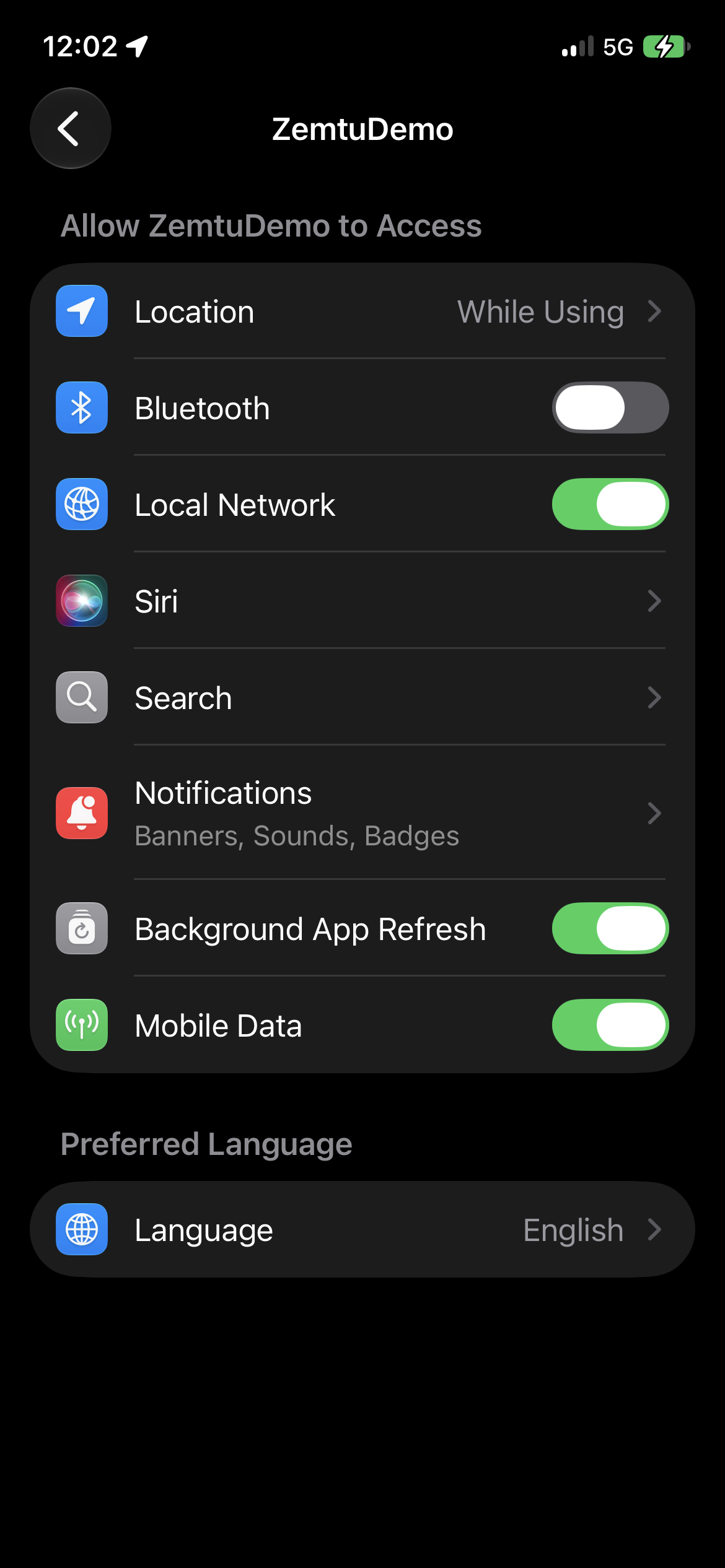
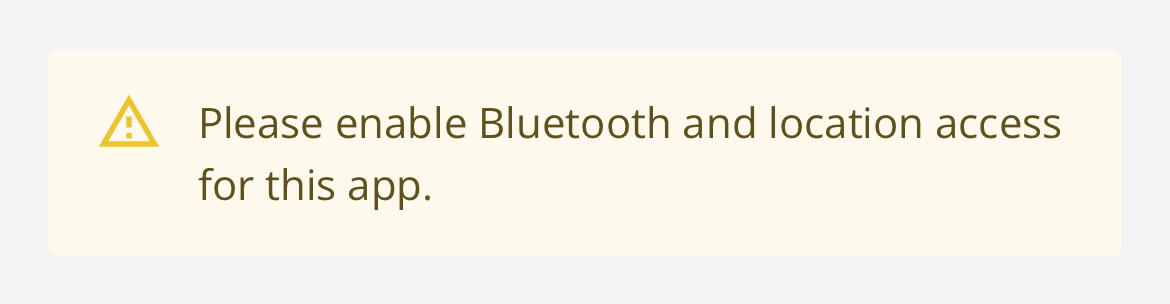
If Bluetooth is activated for a vehicle, but the app hasn’t been granted the permissions to use Bluetooth, then the app displays the warning “Please enable Bluetooth and location access for this app”.
Was this helpful?
Still need help? Share an idea