Mobile App 7.0.0 “Guest Mode”
Welcome screens
You can now introduce your service to new users by adding welcome screens. These screens are displayed when a user downloads the app or uses the PWA (Progressive Web App) for the first time.
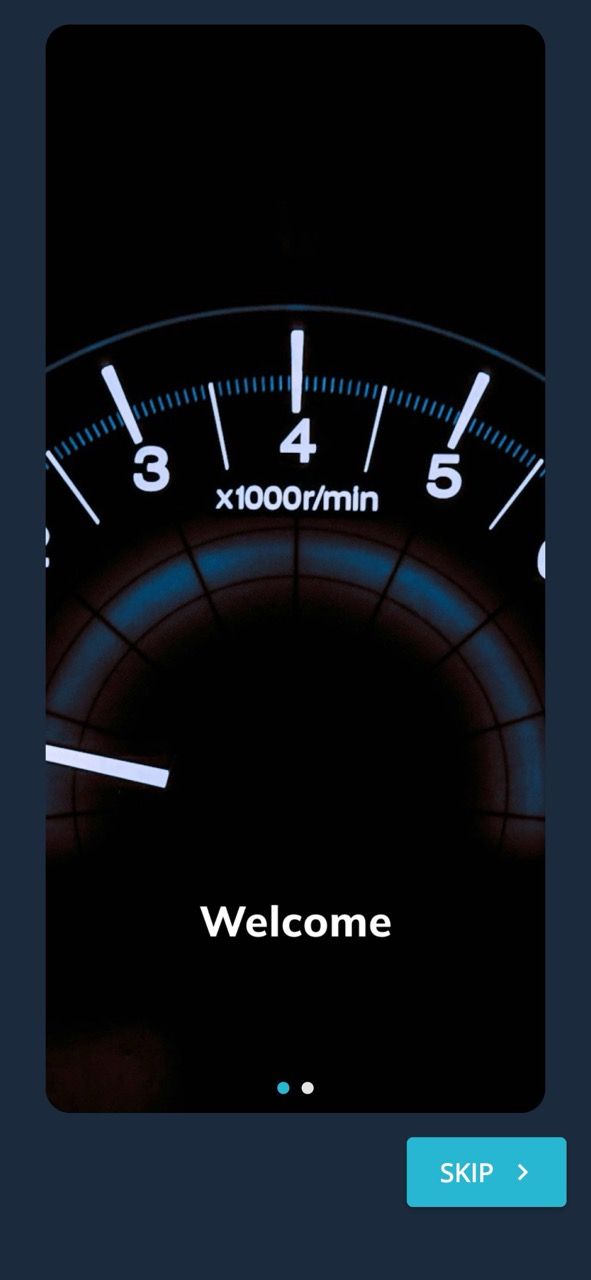
Read more about the welcome screens here: Welcome screens
Guest mode
By activating guest mode, users who have not signed up yet can also see all public vehicles. If they find a vehicle they would like to reserve, they need to sign up first.
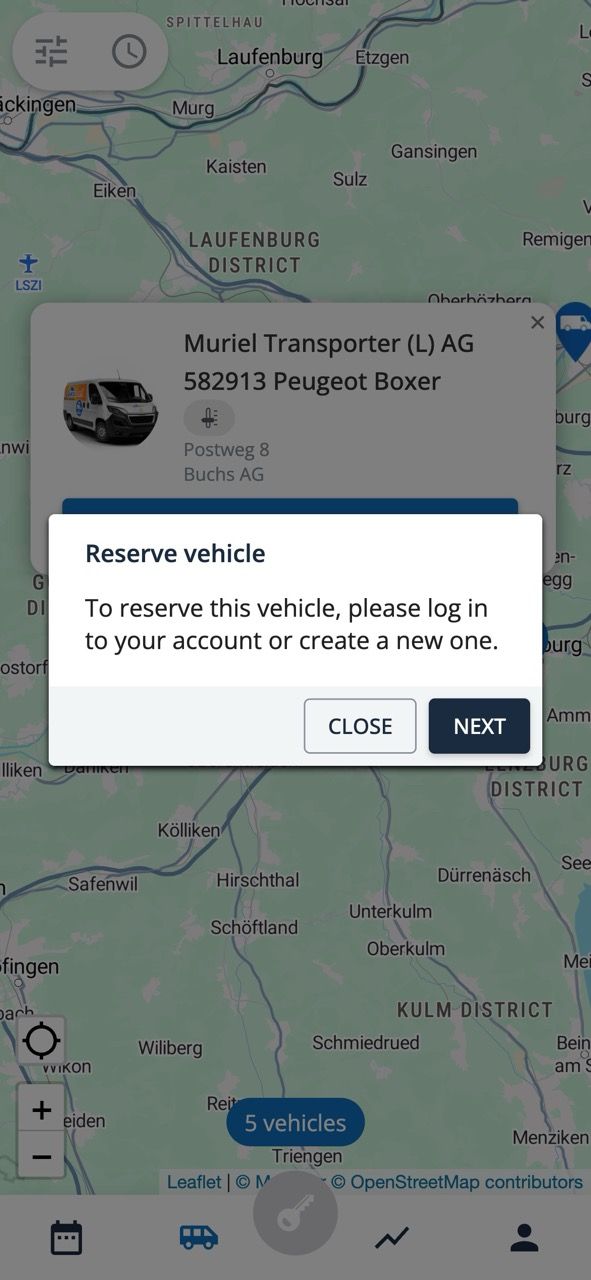
Please let us know when you would like us to activate the welcome screens and guest mode.
Read more about the guest mode here: Guest mode
Vehicle images
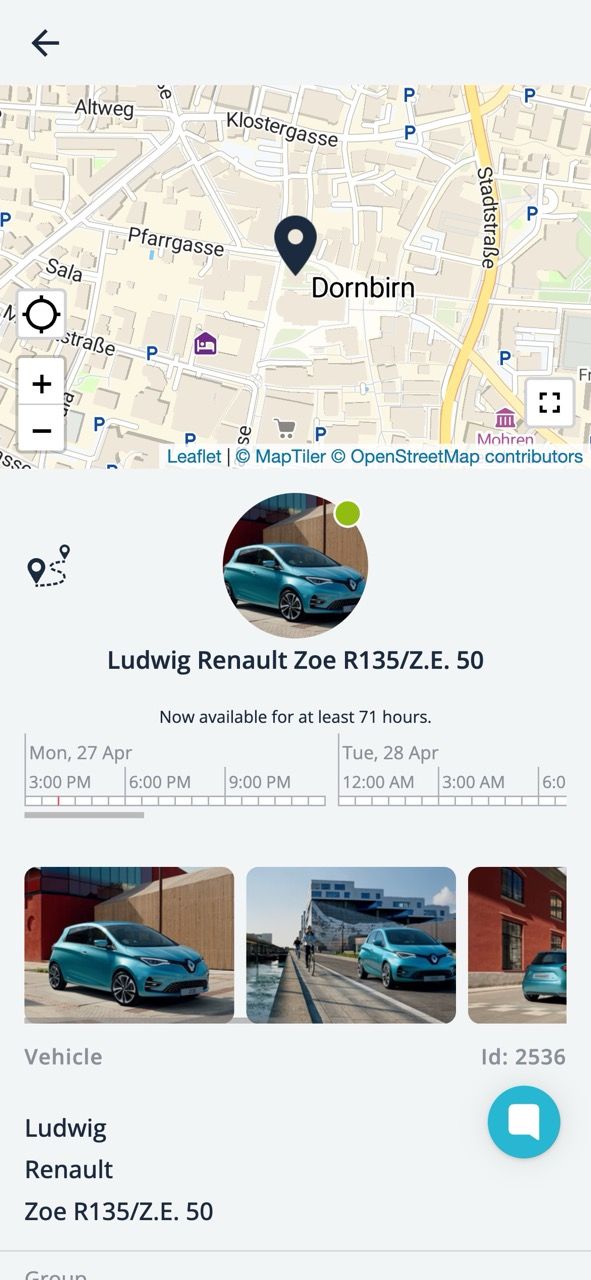
Vehicle images are now displayed on both the vehicle details page and the reservation page.
Default display mode
You can now also select the default view: map or list. You can also choose whether the availability filter should be expanded or collapsed.
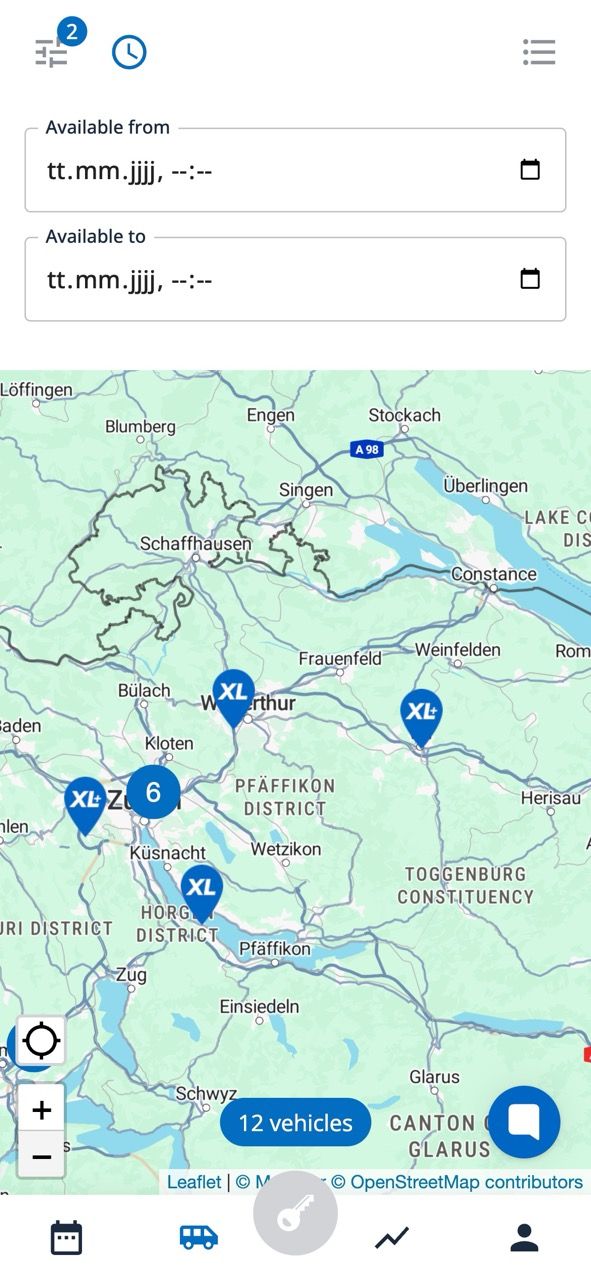
If you would like to change this setting, please contact our support team.
Improvements: 🎉
Open external links with Gleap in the system browser on iOS.
Change the background to light gray.
Fixed: 😎
Fix session forwarding with impersonation.
Fix checkbox text vertical alignment.