Backend 6.7.85-88
New 🌟
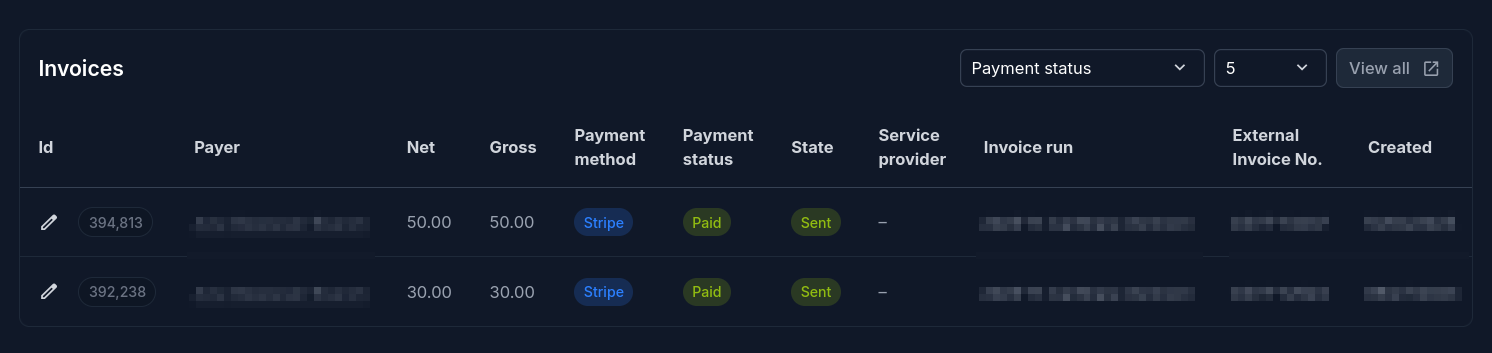
Display user’s invoices on overview
The user overview now comes with an invoice list for the user with payment status filter and pagination size.
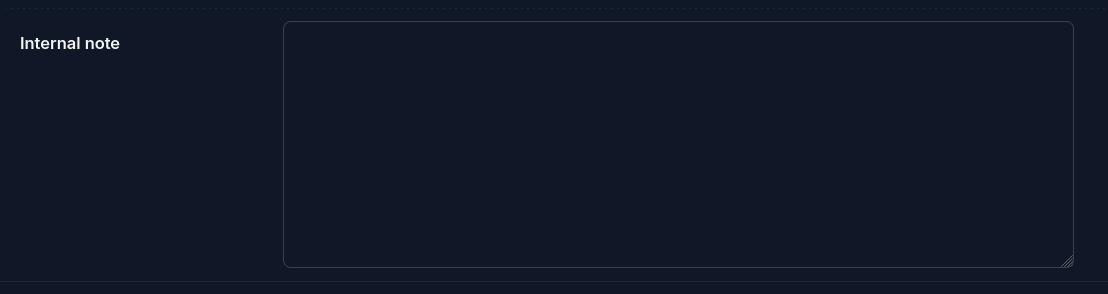
Additional vehicle fields: VIN and internal note

Special unlock button for INVERS CloudBoxxes
There are vehicle models which automatically lock after a certain inactivity time. When the user has already started the reservation, but not yet taken the car key from the key holder, he cannot simply unlock the vehicle again. Only support staff can help then.
With this feature enabled, an unlock button is presented to the user while the reservation is running and the key is not yet taken out of the key holder. After the first ignition, the special unlock button will not be present anymore.
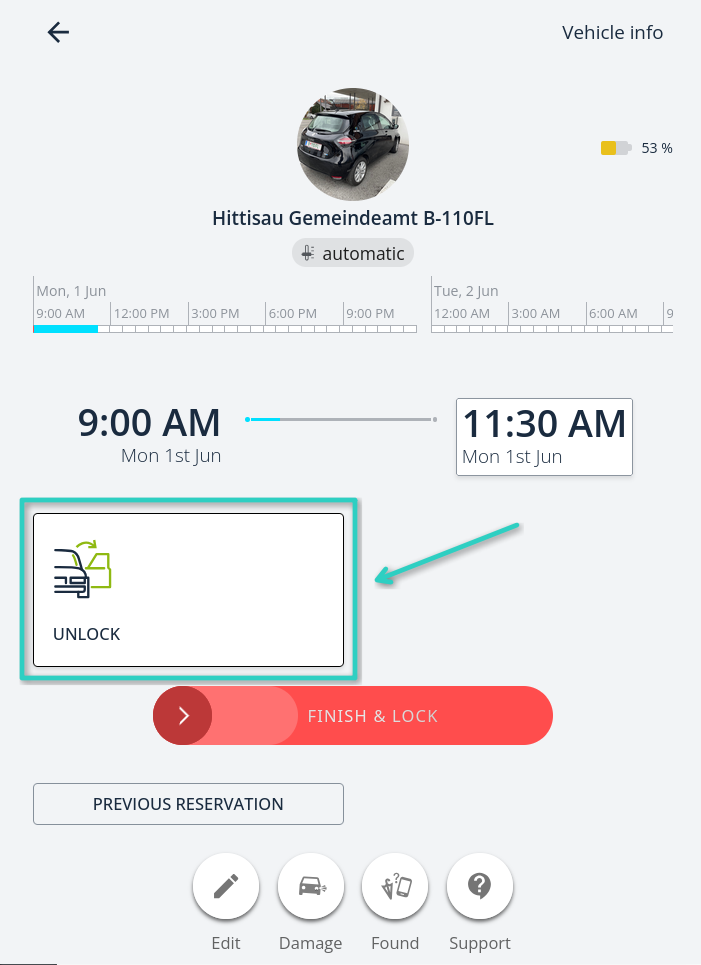
Per INVERS vehicle, this feature can be enabled by setting the feature:

Improved ✨
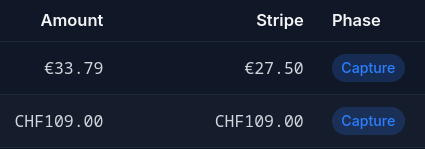
Right-align amounts in meta payment list
Display amounts in the meta payment list right-aligned with a monospace font to ensure that it’s more readable.
Fixed 😎
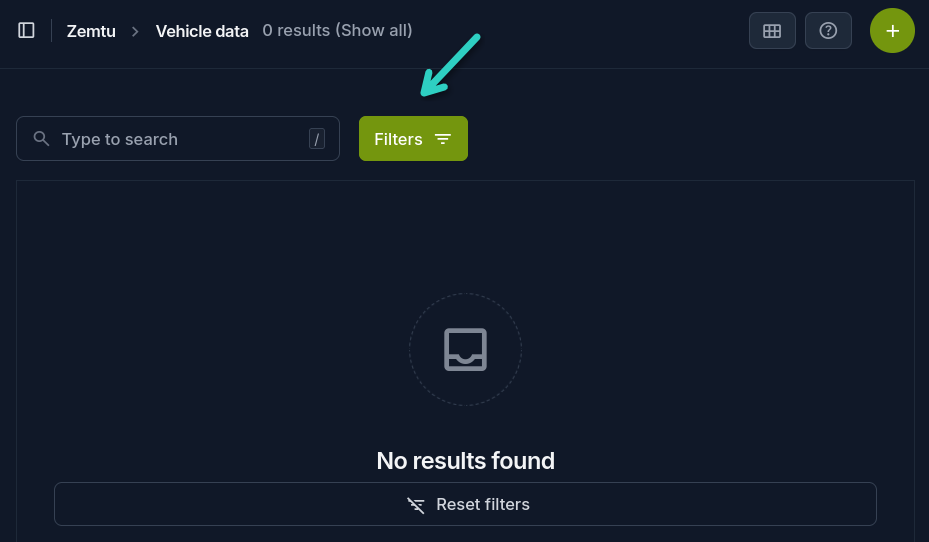
Show active filter indicator
For some views, default time range filters are active. Up until now, this wasn’t easily visible and admins got confused why they did not see any data.
With this change, the “Filters” button is highlighted when any filter is set.